Connect Your Business with Kraft
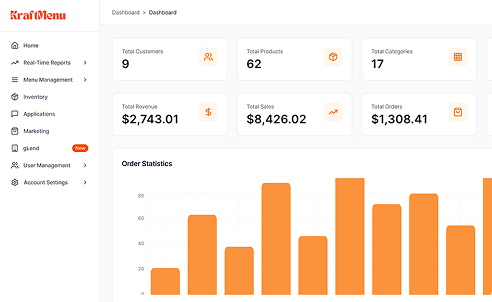
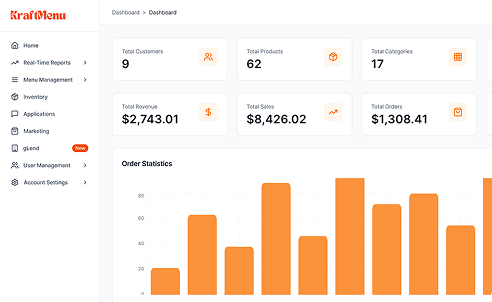
Get started by connecting your restaurant, retail store, or commerce operations with Kraft’s centralized platform. Easily set up your stores, products, branches, delivery systems, and operational workflows from one smart dashboard.
Set Up Menus, Products & Branches
Organize your catalog across every location. Create menus, add products with variants, assign items to branches, and configure pricing rules — all from one place without switching between tools.
Manage Orders & Operations in Real Time
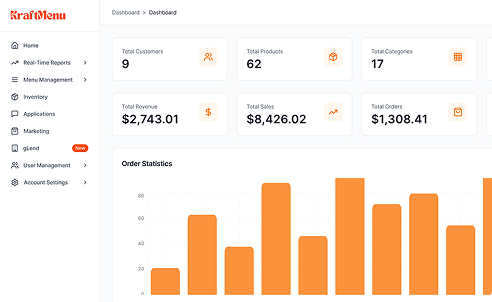
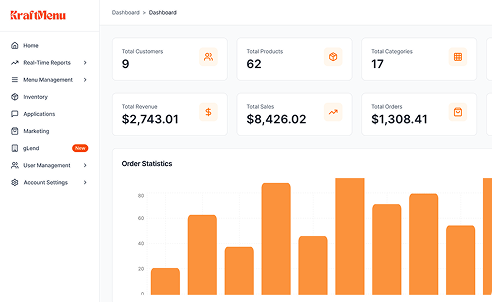
Accept dine-in, pickup, and delivery orders through a unified POS. Track kitchen workflows, update inventory automatically, and monitor every order from placement to fulfillment without delays.
Analyze, Scale & Grow Smarter
Use live analytics on sales, top-selling items, and branch performance. Spot trends early, optimize operations, and make confident decisions as you scale your business.